 GOBLIXO
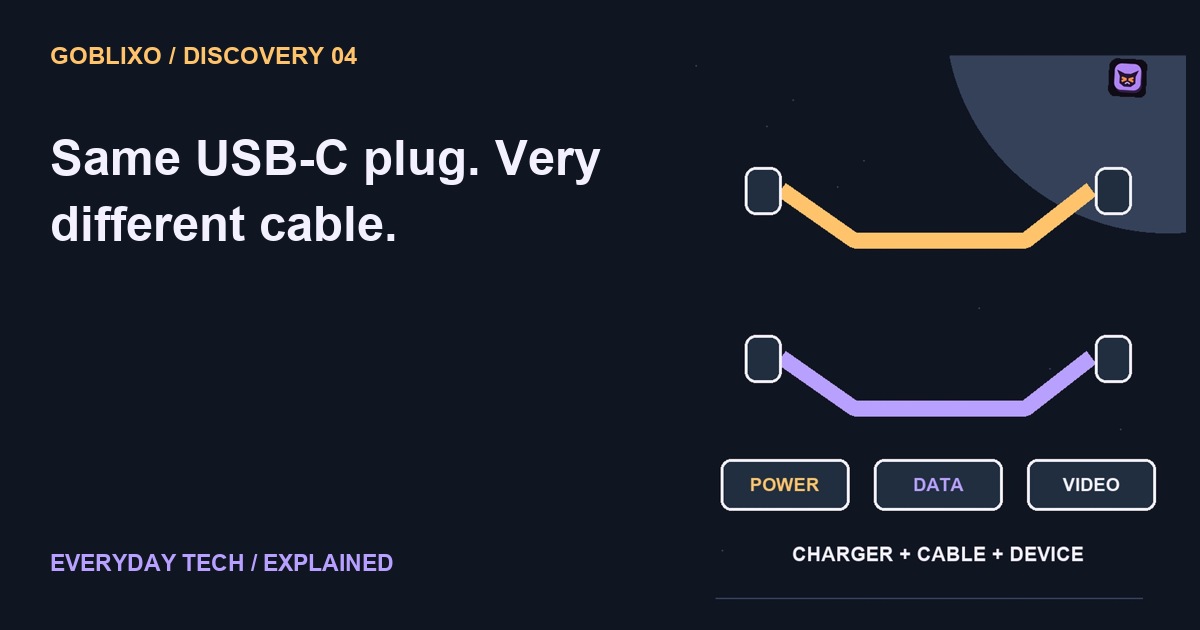
The plug fits. so what?
Two cables have the same little oval plug. One charges your device, while the other also handles the fast data link you wanted. How can both be USB C? Shape does not tell the whole story.
Shape is not speed
USB C describes a connector system. It does not promise that every cable and port support the same data speed, charging capability, or video features. The matching plug is only the beginning.
Power has a rating
First, check power capability. The cable, charger, and device all have roles in what charging is supported. A larger printed power rating is not a promise that every connected device will charge that fast.
Data has a rating
Next, check the data rating. A USB C cable can support basic USB two data while another supports much faster modes. The connector alone does not identify the supported transfer rate.
Video is another question
Want a display? Check the computer port, cable or adapter, and display requirements. Video support is a separate compatibility question. A cable working for charging does not prove the same route can carry your screen.
Check the whole chain
So build the chain on paper: computer, port, cable, adapter, destination. Check the documented capability of each part for your particular job, instead of buying another cable just because the plug looks right.
Try the idea carefully
A useful shopping note names the task rather than only the connector: a particular charger and device, an external drive at a supported data rate, or a display connection at specified settings. Compare that requirement with the maker's documentation for the complete route. USB and Thunderbolt branding are not interchangeable promises. This article does not certify an unlabelled cable or recommend connecting unknown hardware.