 GOBLIXO
The fake login trap
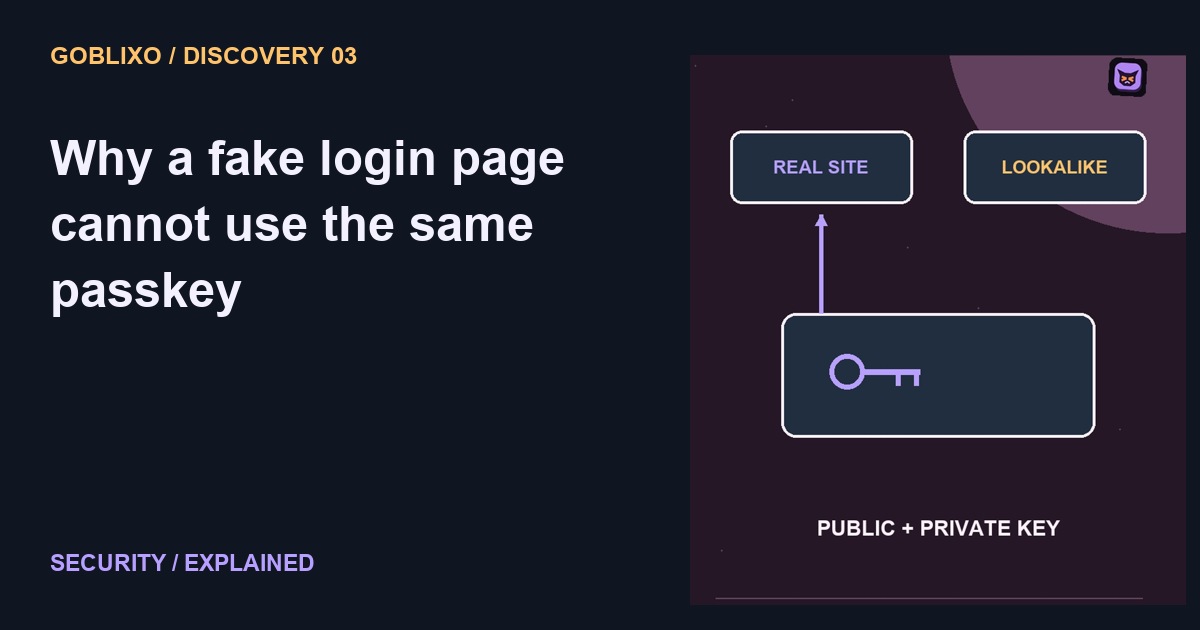
A fake login page can look exactly like the real one. So why can a passkey resist a trick that steals ordinary passwords? The answer is not a better looking login button.
Passwords can travel
A password is a secret you can type into the wrong place. If a convincing imitation persuades you to enter it, the attacker may receive something they can reuse.
A different kind of key
A passkey uses a cryptographic key pair. The service keeps the public part. The private part participates in authentication through your authenticator, instead of becoming a password typed into a form.
Bound to the site
The sign in is bound to the legitimate website or app identity. A lookalike domain cannot simply ask for the same passkey as the genuine site. That binding is the important difference.
What your face does
Your device may ask for a fingerprint, face check, or device unlock to authorize use. That does not mean the website receives your face as its password. The authenticator handles the approval.
Recovery still matters
Passkeys are phishing resistant, not a cure for every account problem. Device security, recovery routes, and weaker fallback sign ins still matter. Learn how you regain access before you need to.
Try the idea carefully
Before changing a real account, read its own setup and recovery instructions. Identify which authenticator holds the passkey, whether it syncs, and which alternative sign-in paths remain. Providers differ. This explainer does not establish that a specific service, recovery email or device is secure. Keep recovery details private, and verify the genuine domain before starting any account changes.