 GOBLIXO
What else did you send?
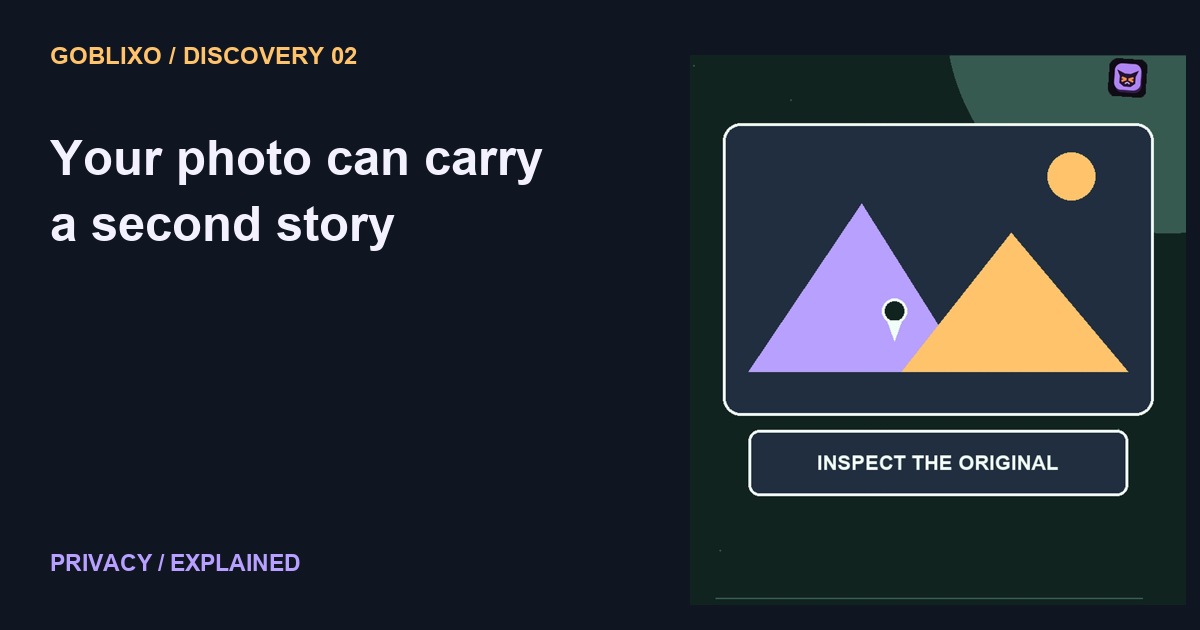
You send a photo of your desk. The picture looks harmless. But the file may be carrying a second story: where and when it was taken. That story is called metadata.
The invisible label
Some photo files include location coordinates, capture time, and device information. What survives sharing depends on the app, export method, and file. Not every service sends the same details.
Check the original
On an iPhone, Photos can show location information for a picture when it is available. Check the original before assuming an ordinary looking image contains only pixels.
Control this share
Apple provides controls for removing a photo location and for excluding location from a particular share. Those are different choices. Changing what you share does not necessarily change the original.
Copies are different
Also think about copies already sent. Removing information from your own library does not reach into someone else's saved file. Check the file you are actually about to transmit.
Pixels tell stories too
Metadata is only half the story. A street sign, badge, reflection, or visible address can reveal information inside the image itself. Removing coordinates does not erase what the camera photographed.
Try the idea carefully
Use a non-sensitive sample picture to inspect the workflow. Check its information, choose the sharing options, and inspect the exported copy where your device permits it. Do not test by posting a private photo publicly. Avoid assuming that one messaging app represents every destination. A screenshot may change file metadata, but it also preserves visible information and is not a universal privacy guarantee.